
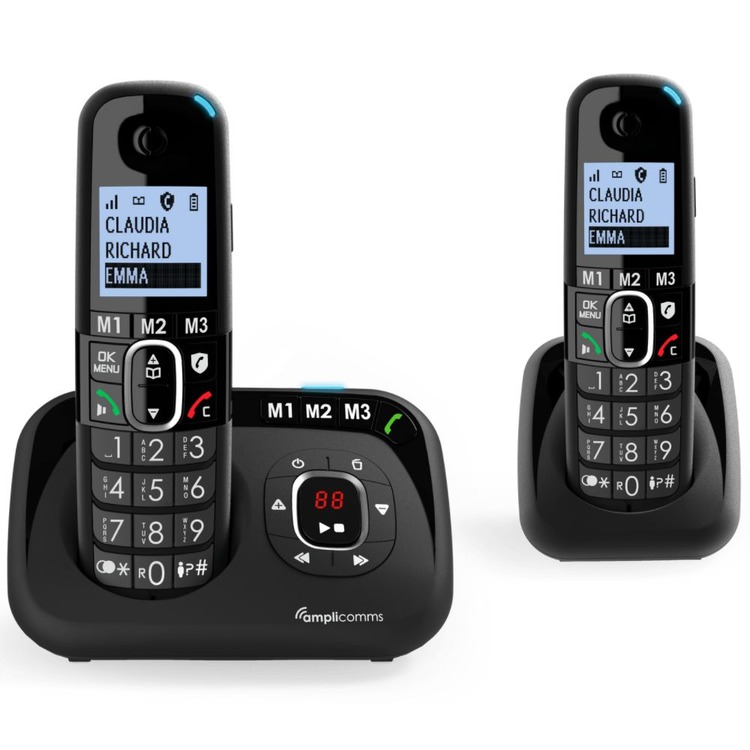
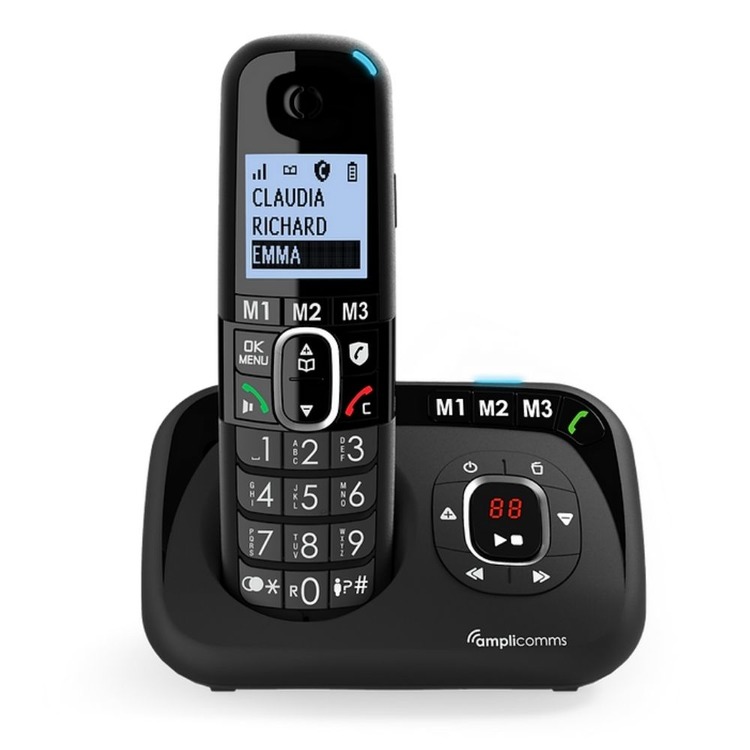
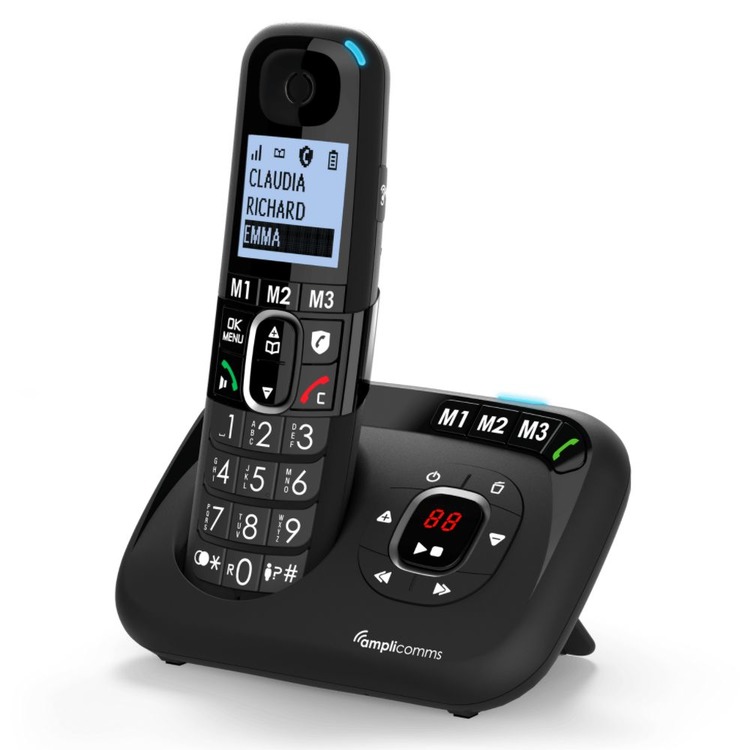
Amplicomms BigTel 1582 Voice Cordless Landline Telephone with answerphone twin pack
Code: 40TAC1582

Quantity Pricing
VAT Relief is available if you make a declaration in the Shopping Basket
-
VAT
Choose quantity
Order now for next working day dispatch.
Description
The Amplicomms BigTel 1582 Voice has good volume levels and is a great option for anyone who would like an easy to use cordless landline phone with an answerphone within their home. With an extra handset you can place them both in convenient locations for ease of access within your home.
Designed for comfort and practicality, this is an entry level cordless phone with good clear sound and an extra loud ring of up to 90dB. There is also an integrated answering machine as well as three direct dial memory buttons so you can reach family and friends with ease.
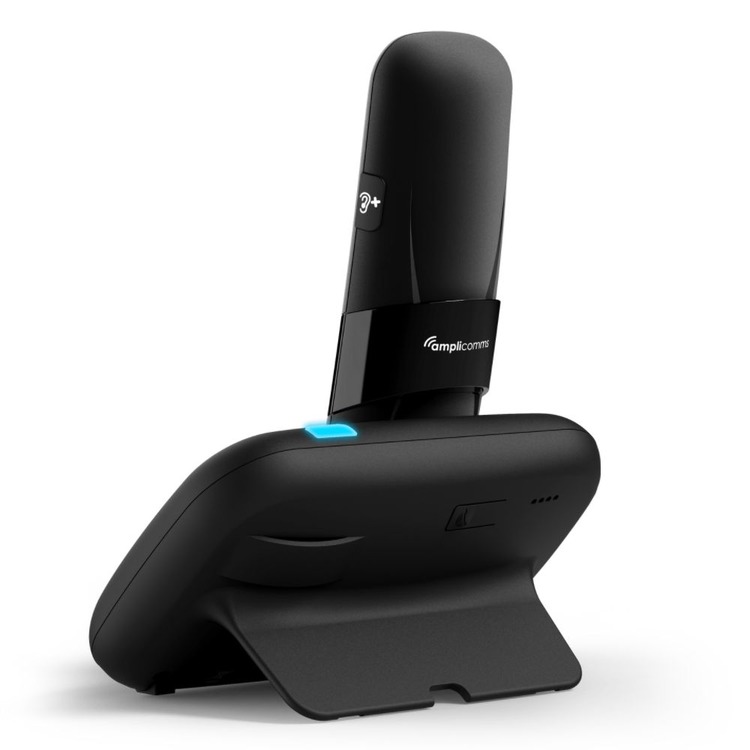
This phone is 'Hearing Aid Compatible' meaning as well as being amplified, it has an inductive T coil in the handset which can be used with all hearing aids with a loop program (also known as a 'T' or telecoil facility).
In our view the Amplicomms BigTel 1500 series phones have a nice design and are good value for money. They have a good level of amplification but no tone control and is an ideal choice if you're after a low cost cordless phone that is easy to use, with a modern design. The call blocking feature is popular with customers.
Features of the Bigtel 1580 main handset:
- Answer the calls directly in hands-free mode and call M1 to M3 direct memories even without the handset on the cradle.
- One-touch audio-boost on handset side (+35dB)
- Extra loud ringers (up to 90dB)
- Answering machine with up to 30 minute call time
- Call block function with a dedicated key and an automatic mode: up to 100 entries!
- 3 direct memory keys (M1, M2, M3)
- Large high quality full graphic display
- Hands-free function
- Ergonomic big button keypad
- Visual ringer LED
- Hearing Aid Compatible
- Blue backlit display
- Earpiece volume control (5 levels)
- One additional handset included - up to two more can be added
Maximum loudness: •••
Details
To edit a phonebook entry on this phone:
-Press the phonebook button and scroll to the entry you want to edit.
-Press OK
-Press OK again
-Select edit from the list and press OK
-You can now edit the contact name, press OK to accept
-You next can change the contact number, press OK to accept
-Then you can choose a melody for this contact. Press OK to accept.
-Lastly, designate the entry as VIP or not VIP. Press OK to finish
Help Centre
Click here to view PDF data sheet
Click here to view PDF user guide
Click here to learn about how landline phones are changing in the UK